

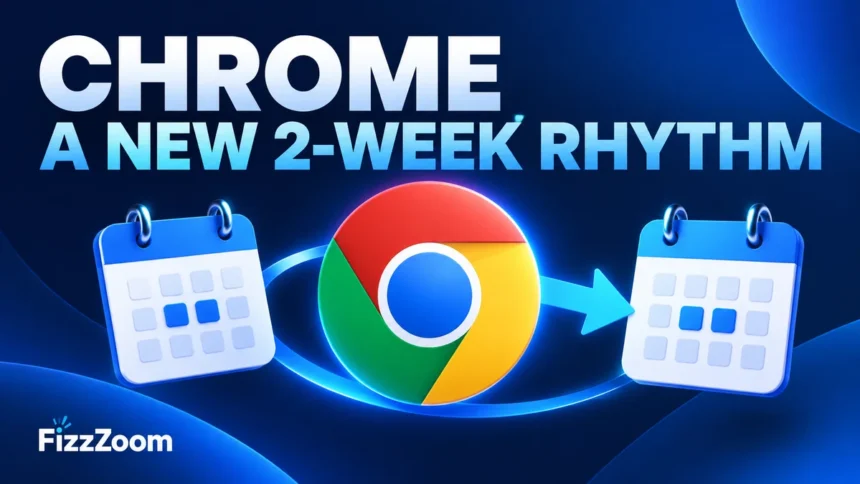
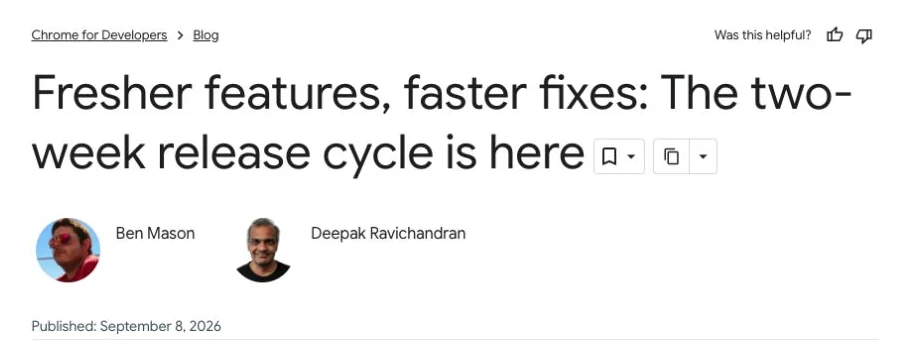
Chrome’s major releases now arrive every two weeks. Google started the new schedule with Chrome 153 on September 8, 2026, covering desktop, Android and iOS. For readers, the useful change is a more regular update habit—not memorising a version number that will quickly become outdated.
Google’s launch announcement describes smaller, more frequent releases intended to deliver features and fixes sooner. That is separate from the security updates issued between major versions.
Two weeks, one week and eight weeks: what they mean
| Update track | Meaning |
|---|---|
| Stable milestones | A new major version every two weeks |
| Stable refreshes | Weekly updates to deliver security fixes |
| Extended Stable | Major milestones every eight weeks for supported enterprise use |
The distinction comes from the Chromium release-cycle documentation. Extended Stable is an enterprise option on Windows and Mac; it should not be interpreted as permission to leave a personal browser unpatched for eight weeks.
How to check Chrome on a computer
- Open Chrome’s three-dot menu.
- Choose Help → About Google Chrome.
- Allow the browser to check for an update.
- If offered, use Relaunch to apply it after saving your work.
Google’s update instructions say regular windows and tabs reopen after a restart, but Incognito windows do not. Do not rely on tab restoration to preserve an unfinished form: save the underlying work first. Linux installations may be updated through their package manager; managed work devices may follow an administrator’s policy.
A small-team routine that avoids unnecessary disruption
For a shop, agency or small office, make one person responsible for checking whether staff have pending relaunches. A sensible time is after transactions are complete and before the next shift starts. The exact interval should follow your IT policy and the urgency of any security advisory.
Keep a short test list of the tasks your business depends on: signing in, taking a payment, uploading a document, printing a receipt and completing a video call. After an update, test those flows on a representative device. This is more useful than simply checking that the browser opens.
If something stops working, record the browser version, operating system, affected page and the precise action that failed. That gives your software supplier something reproducible to investigate. Avoid switching off updates as a blanket workaround.
Does every update mean an active attack?
No. A release-cadence announcement does not establish that your device is compromised or that every release fixes an actively exploited flaw. Read the specific advisory when a security issue is reported. Keep ordinary maintenance and urgent incident response distinct.
Sources checked September 24, 2026. This guide explains the schedule; it does not claim to identify the newest build for every device.