AI Email Automation for Small Business: A Safe Setup Guide
Email is one of the best places to start small business AI automation because the pain is obvious: leads wait, customers repeat questions, invoices need reminders, and owners spend hours rewriting similar messages.
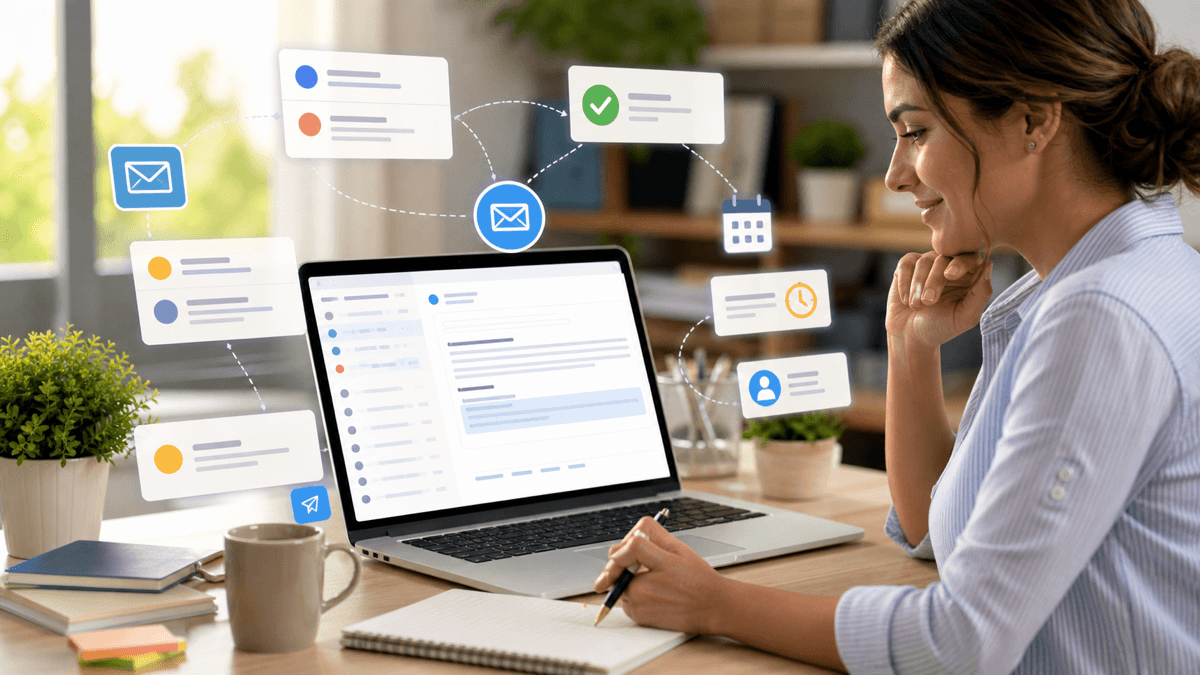
Quick answer: the safest AI email automation is a system that labels incoming emails, drafts replies, and reminds a human to approve or edit before sending.
This guide is part of the small business AI automation guide. It pairs well with ChatGPT prompts for small business owners.
Start With Triage
Do not begin by letting AI send messages. Begin by letting AI classify messages.
Useful labels include:
- Urgent customer issue
- New lead
- Existing customer question
- Billing or invoice
- Refund or complaint
- Admin
- Newsletter or low priority
- Waiting on someone else
The output should be simple: category, urgency, reason, and recommended next action.
Draft Replies
After triage works, add drafts. The prompt should include your tone, business type, policies, and the customer message.
Example prompt:
Draft a customer email reply for a small [business type].
Customer message: [paste]
Known policy: [paste]
Tone: friendly, clear, not pushy.
Output: subject line and email under 150 words.
Do not promise refunds, discounts, legal terms, or delivery dates unless stated in the policy.
This keeps the draft useful without letting AI invent commitments.
Add Follow-Up Reminders
Many small businesses lose revenue because leads are not followed up. A simple automation can check for unreplied leads after 2, 5, and 10 days.
Suggested follow-up sequence:
- Day 2: helpful reminder.
- Day 5: restate the benefit and ask one question.
- Day 10: close the loop politely.
AI can draft the message, but a human should send or approve it.
Connect Your Tools
A simple stack can be:
- Gmail or Outlook for email.
- Google Sheets or Airtable for review.
- Zapier, Make, or n8n for workflow.
- ChatGPT or another AI model for drafting.
- CRM or task board for sales follow-up.
If you are choosing an automation platform, read Zapier vs Make vs n8n for AI automation.
Approval Rules
AI drafts can be auto-approved only for low-risk messages such as internal summaries or simple acknowledgments. Keep manual approval for:
- Complaints
- Refunds
- Legal language
- Pricing
- Payment disputes
- Health, finance, or safety claims
- Anything emotional or sensitive
This one rule prevents most automation mistakes.
Metrics To Track
Track response time, unanswered leads, follow-up completion, customer satisfaction, and hours saved. If the workflow does not improve one of those numbers, simplify it.
Final Takeaway
AI email automation should make your inbox calmer, not riskier. Start with labels, add drafts, keep approval, and improve the prompt using real examples.
Frequently Asked Questions
Can AI answer customer emails automatically?
AI can draft replies, classify urgency, and suggest next actions, but small businesses should keep human approval for complaints, refunds, pricing, contracts, and sensitive customer issues.
What is the safest first AI email automation?
Start with inbox triage: label emails by category and urgency, then draft suggested replies without sending automatically.
Which tools can automate email with AI?
Common setups use Gmail or Outlook with ChatGPT, Zapier, Make, n8n, a CRM, and a review queue such as a spreadsheet, task board, or helpdesk.