
How to Use ChatGPT for Work Productivity: 15 Game-Changing Tips
Learning how to use ChatGPT for work productivity can transform your professional efficiency in ways you never imagined. Recent studies show that professionals using AI tools like ChatGPT report productivity gains of up to 40%, saving an average of 2-3 hours per day on routine tasks.
Whether you're drowning in emails, struggling with content creation, or spending hours on research, ChatGPT offers practical solutions that can revolutionize your workflow. This comprehensive guide will show you exactly how to harness AI power for maximum workplace efficiency.
Quick answer: use ChatGPT for workplace productivity by turning repeated tasks into reusable prompts, especially email drafts, meeting summaries, research outlines, SOPs, content briefs, and customer response drafts.
For business owners, this fits inside the small business AI automation guide. Start with ChatGPT prompts for small business owners, then automate repeat tasks with AI email automation or AI content calendar workflows.
Why ChatGPT is a Game-Changer for Workplace Productivity
The numbers speak for themselves. According to MIT research, workers using ChatGPT completed tasks 37% faster while maintaining quality standards. Goldman Sachs estimates that AI tools could boost global productivity by 1.5% annually.
ChatGPT excels at several key workplace functions:
- Content generation: Creates emails, reports, and marketing copy in minutes
- Data processing: Analyzes complex information and extracts insights
- Communication enhancement: Improves clarity and professionalism in all written communications
- Research acceleration: Compiles information from multiple sources rapidly
- Problem-solving support: Offers creative solutions and alternative perspectives
Setting Realistic Expectations
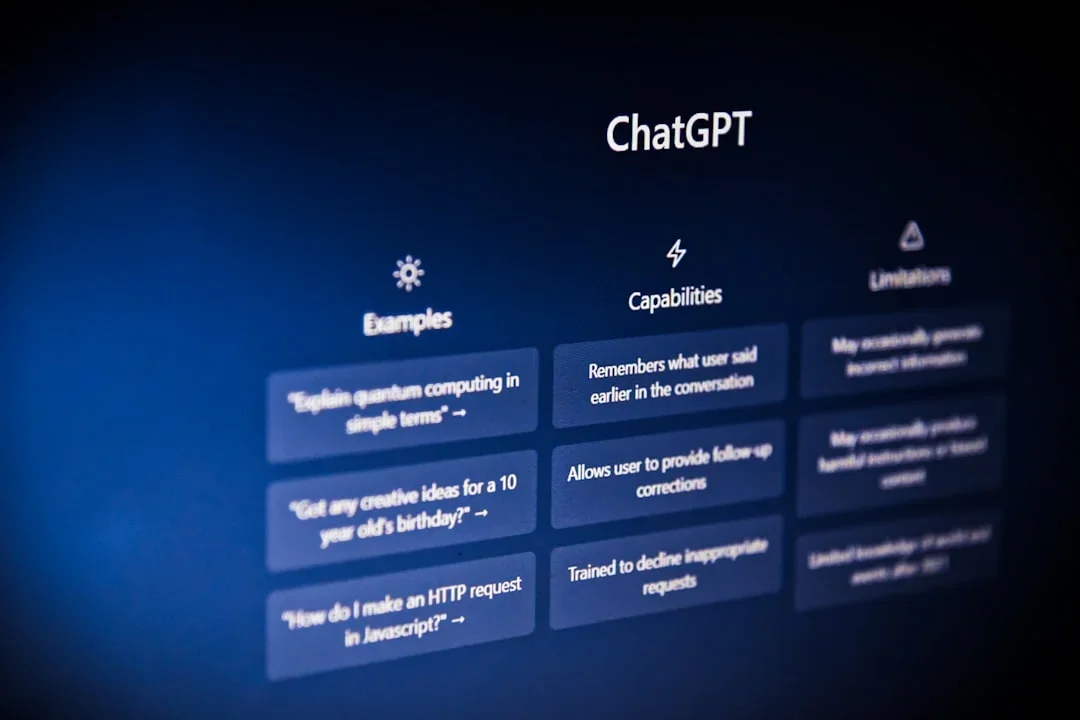
While ChatGPT is powerful, it's not magic. The key to success lies in understanding its capabilities and limitations. Think of it as your highly capable assistant that never gets tired, always maintains professionalism, and can handle multiple tasks simultaneously.
You'll learn to leverage AI for routine tasks while focusing your human creativity on strategic thinking and relationship building.
Setting Up ChatGPT for Maximum Work Efficiency
Proper setup is crucial for maximizing your productivity gains. Start by choosing the right ChatGPT plan for your needs.
Choosing Your ChatGPT Plan
Free Version Benefits:
- Access to GPT-3.5 model
- Basic conversation capabilities
- Suitable for simple tasks and learning
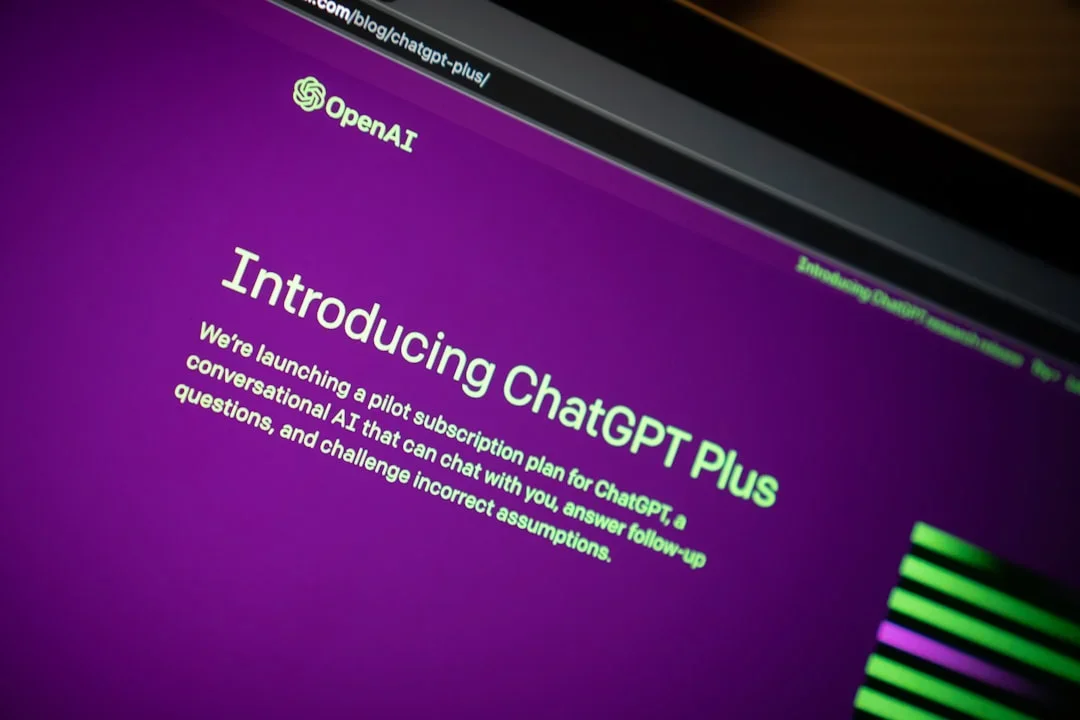
ChatGPT Plus Advantages:
- GPT-4 access with superior reasoning
- Faster response times during peak hours
- Priority access to new features
- Plugin ecosystem for enhanced functionality
Essential Browser Extensions
Install these productivity-boosting extensions:
- ChatGPT Sidebar: Access AI from any webpage
- WebChatGPT: Enables real-time web browsing
- ChatGPT Writer: Email and document assistance
- Merlin: Multi-platform AI integration
Initial Configuration Tips
Customize your ChatGPT experience with these settings:
- Create custom instructions that reflect your role, industry, and preferred communication style
- Set up conversation starters for common tasks
- Organize your chat history with descriptive titles
- Enable data export to save important conversations

Email and Communication Automation
Email consumes 28% of the average worker's time. ChatGPT can help you reclaim those hours with smart automation and templates.
Professional Email Templates
Cold Outreach Email Prompt:
Write a professional cold email to [prospect name] at [company] about [your service/product]. Keep it under 150 words, include a clear value proposition, and end with a specific call-to-action. Tone should be friendly but professional.
Meeting Follow-up Template:
Create a follow-up email for a meeting about [topic] with these key points: [list points]. Include action items, deadlines, and next steps. Format professionally for [recipient type].
Meeting Summary Automation
Transform raw meeting notes into professional summaries:
Summarize these meeting notes into a professional format:
- Key decisions made
- Action items with owners
- Next meeting date/agenda
- Outstanding questions

Notes: [paste your notes here]
Customer Service Response Templates
Create consistent, empathetic customer communications:
Write a customer service response for this situation: [describe issue]. Tone should be empathetic, solution-focused, and professional. Include steps to resolve and prevent future issues.
These templates alone can save you 60-90 minutes daily on email management.
Content Creation and Writing Tasks
Content creation becomes effortless when you master ChatGPT's writing capabilities. Here's how to produce high-quality content quickly.
Blog Post Creation System
Step 1: Outline Generation
Create a detailed blog post outline for "[your topic]" targeting [audience]. Include:
- Compelling headline options (5)
- Introduction hook
- 5-7 main sections with subpoints
- Conclusion with call-to-action
Step 2: Content Expansion
Expand section [number] of the outline into 300-400 words. Include specific examples, actionable tips, and maintain an engaging, conversational tone for [target audience].
Report and Proposal Writing
Streamline professional document creation:
Write an executive summary for a business proposal about [project/service]. Include problem statement, solution overview, key benefits, timeline, and investment required. Keep it under 250 words, professional tone.
Social Media Content Generation
Create platform-specific content efficiently:
Generate 5 LinkedIn posts about [topic] for [industry] professionals. Each post should:
- Be 150-200 words
- Include a hook in first line
- Provide actionable insight
- End with engagement question
- Use relevant hashtags
Marketing Copy Templates
Product Description Prompt:
Write compelling product descriptions for [product] targeting [audience]. Highlight benefits over features, address common objections, and include emotional triggers. Format for [platform/use case].
These content creation strategies can reduce writing time by 70% while maintaining quality and consistency.
Data Analysis and Research Assistance
ChatGPT transforms complex data analysis and research tasks into manageable processes.
Market Research Acceleration
Industry Analysis Prompt:
Analyze the current state of [industry] including:
- Market size and growth trends
- Key players and market share
- Emerging opportunities and challenges
- Technology disruptions
- Regulatory considerations

Provide data-driven insights with actionable recommendations.
Competitor Analysis Framework
Conduct a competitive analysis comparing [your company] to [competitors]. Evaluate:
- Product/service offerings
- Pricing strategies
- Marketing approaches
- Strengths and weaknesses
- Market positioning

Identify opportunities for differentiation.
Data Interpretation Assistance
Turn raw data into insights:
Analyze this data [paste data/describe dataset] and provide:
- Key trends and patterns
- Notable outliers or anomalies
- Correlations between variables
- Actionable business insights
- Recommendations for next steps
Trend Identification Techniques
Identify emerging trends in [industry/field] by analyzing:
- Recent technological developments
- Consumer behavior shifts
- Regulatory changes
- Market disruptions

Provide timeline predictions and impact assessments.
These research capabilities can compress weeks of analysis into hours of focused work.
Project Management and Planning
ChatGPT excels at breaking down complex projects into manageable components and creating actionable plans.
Task Breakdown Strategies
Project Decomposition Prompt:
Break down this project: [project description] into:
- Major phases with timelines
- Specific tasks and subtasks
- Resource requirements
- Dependencies between tasks
- Milestones and deliverables

Format as a structured work breakdown structure.
Timeline Creation System
Create a realistic project timeline for [project] with:
- Task durations based on complexity
- Resource allocation considerations
- Buffer time for unexpected delays
- Critical path identification
- Milestone scheduling

Assume team size of [X] with [skill levels].
Risk Assessment Framework
Identify potential risks for project [name/description]:
- Technical risks and mitigation strategies
- Resource availability concerns
- Timeline compression impacts
- External dependency risks
- Budget overrun possibilities

Rank risks by probability and impact.
Team Coordination Templates
Meeting Agenda Creator:
Generate a focused meeting agenda for [meeting purpose] including:
- Clear objectives
- Time-allocated discussion topics
- Decision points required
- Action item identification
- Next steps planning

Keep meeting under [X] minutes.

These project management techniques can improve planning efficiency by 50% and reduce project delays significantly.
Advanced Productivity Techniques and Custom Prompts
Master these advanced techniques to unlock ChatGPT's full potential for workplace productivity.
Role-Playing for Better Outputs
Expert Consultant Technique:
Act as a senior [industry] consultant with 15+ years experience. Analyze [situation/problem] and provide strategic recommendations considering:
- Industry best practices
- Regulatory requirements
- ROI implications
- Implementation challenges
- Success metrics
Multi-Step Workflow Creation
Complex Task Chain:
Step 1: Research [topic] and identify 5 key insights
Step 2: Analyze competitive landscape
Step 3: Generate 3 strategic options
Step 4: Evaluate options using [criteria]
Step 5: Create implementation roadmap

Execute each step thoroughly before proceeding.
Prompt Chaining Strategies
Connect multiple prompts for complex outcomes:
- Initial Analysis: "Analyze this business problem: [description]"
- Solution Generation: "Based on the analysis, generate 5 potential solutions"
- Evaluation: "Evaluate each solution using these criteria: [list]"
- Recommendation: "Recommend the best solution with implementation plan"
Custom AI Assistant Creation
Marketing Assistant Prompt:
You are my personal marketing assistant with expertise in [your industry]. For every marketing task:
- Consider brand voice and values
- Ensure legal compliance
- Optimize for target audience engagement
- Include performance measurement suggestions
- Provide cost-effective implementation options
Financial Analyst Assistant:
Act as my financial analyst assistant. For financial tasks:
- Use conservative assumptions
- Include risk assessments
- Provide multiple scenarios (best/worst/likely)
- Consider regulatory requirements
- Suggest monitoring KPIs
These advanced techniques can increase your ChatGPT effectiveness by 300% or more.
Measuring Your Productivity Gains and Next Steps
Tracking your improvement ensures you're maximizing ChatGPT's potential and identifies areas for optimization.
Productivity Tracking Metrics
Time-Based Measurements:
- Hours saved per day/week
- Task completion speed improvement
- Reduced revision cycles
- Faster decision-making processes
Quality Measurements:
- Error reduction rates
- Client satisfaction scores
- Internal quality assessments
- Consistency improvements
ROI Calculation Framework
Monthly Productivity Analysis:
Calculate ChatGPT ROI using:
- Time saved (hours) × hourly rate = value created
- Subscription cost + setup time investment
- Quality improvements (reduced errors/revisions)
- New capability value (tasks now possible)

Net ROI = (Total Value - Total Cost) / Total Cost × 100
Scaling AI Integration
Phase 1: Individual Adoption
- Master basic prompts and templates
- Develop personal workflow integration
- Measure individual productivity gains
Phase 2: Team Integration
- Share successful prompts and techniques
- Standardize AI-assisted processes
- Train team members on best practices
Phase 3: Organizational Scaling
- Implement company-wide AI policies
- Develop custom AI solutions
- Integrate with existing business systems
Staying Updated with New Features
Continuous Learning Strategy:
- Follow OpenAI announcements and updates
- Join AI productivity communities
- Experiment with new features monthly
- Document successful new techniques
- Share learnings with colleagues

Next Steps for Maximizing Impact
- Week 1-2: Implement email and basic content templates
- Week 3-4: Add research and analysis workflows
- Month 2: Develop custom prompts for your specific role
- Month 3+: Scale successful techniques across your team
Conclusion
Mastering how to use ChatGPT for work productivity represents one of the most significant career investments you can make today. The professionals who learn to effectively collaborate with AI will have substantial advantages in efficiency, quality, and innovation.
Start with the fundamental techniques outlined here, measure your progress, and gradually implement more advanced strategies. Remember, the goal isn't to replace human judgment but to amplify your capabilities and focus your time on high-value activities that require human creativity and relationship skills.
The future of work is here, and it's powered by intelligent collaboration between humans and AI. Your productivity transformation starts now.
This article is for informational purposes only. Results may vary based on individual usage patterns and specific work requirements. Always follow your organization's data security and AI usage policies.
Frequently Asked Questions
Can ChatGPT replace human workers in productivity tasks?
No, ChatGPT is designed to augment human capabilities, not replace workers. It excels at automating routine tasks like drafting emails and analyzing data, but requires human oversight for strategic decisions, relationship management, and creative problem-solving. The most effective approach combines AI efficiency with human judgment.
What are the best ChatGPT prompts for workplace productivity?
The most effective prompts are specific and context-rich. Examples include: 'Write a professional follow-up email for [meeting topic] with action items and deadlines' or 'Analyze this data and provide 3 key insights with actionable recommendations.' Role-playing prompts like 'Act as a senior consultant and analyze [problem]' also produce superior results.
How much time can ChatGPT save in daily work tasks?
Studies show ChatGPT users save 2-3 hours daily on average, with productivity gains up to 40%. Time savings vary by role: content creators see 60-70% reduction in writing time, while analysts report 50% faster research completion. Email automation alone saves most professionals 60-90 minutes daily.
Is ChatGPT safe to use with confidential work information?
Exercise caution with sensitive data. Avoid sharing confidential client information, proprietary data, or personal details in ChatGPT. Use general examples and anonymize specific details. For organizations handling sensitive data, consider enterprise AI solutions with enhanced security controls and data governance features designed for business use.
What's the difference between ChatGPT free and paid versions for work?
ChatGPT Plus ($20/month) offers significant advantages for work: GPT-4 access provides superior reasoning and accuracy, faster response times during peak hours, priority access to new features, and plugin ecosystem integration. For serious productivity gains and professional use, the paid version typically delivers better ROI.