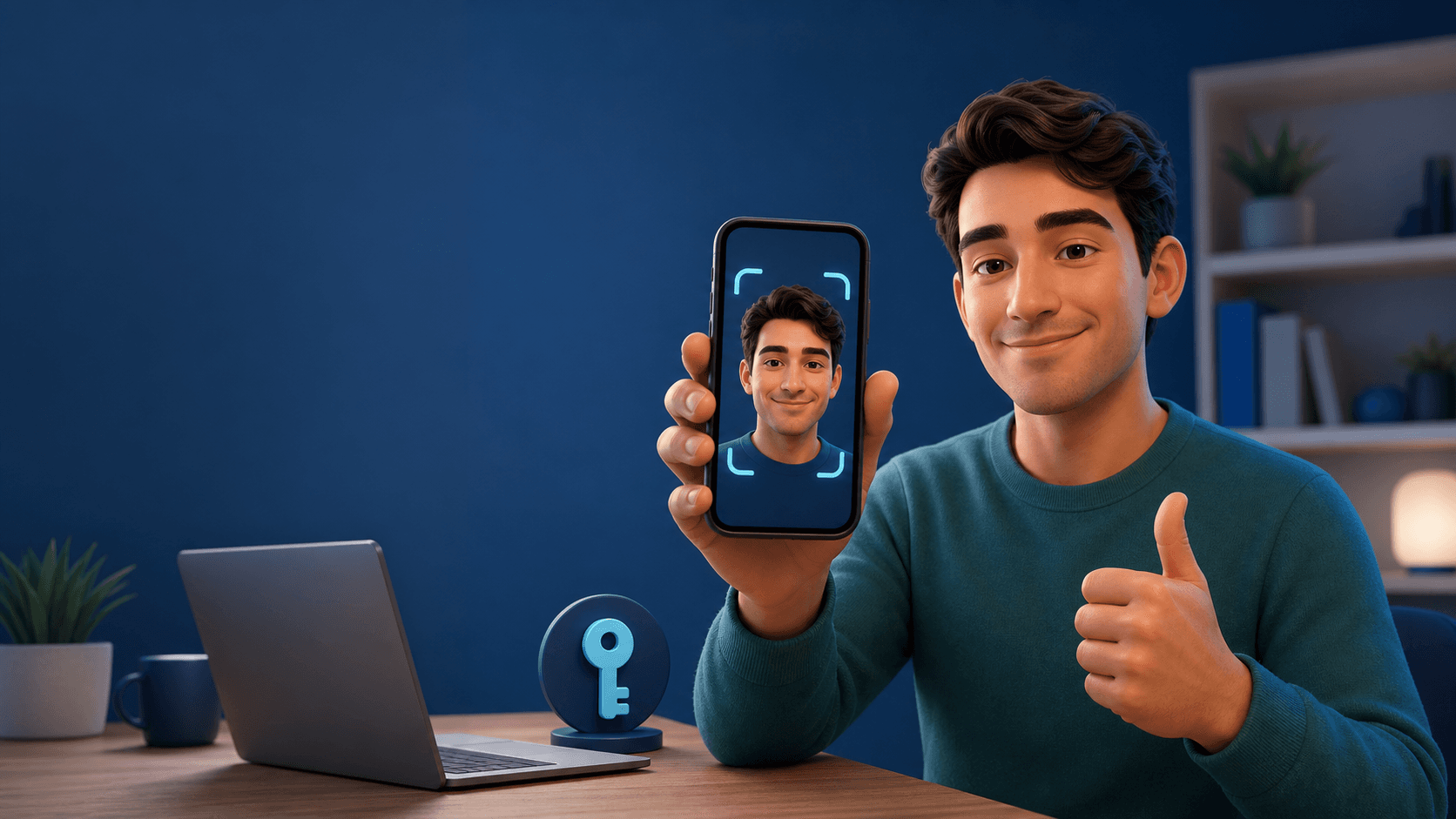
Google Selfie Video Sign-In: A New Backup for Account Recovery
Forgot your password? Lost your phone? Trying to sign in from a device you do not normally use? Google has introduced a new backup option for eligible Google Accounts: a short selfie video that can help confirm your identity if you are locked out later.
It is not a replacement for your password, passkey, or two-step verification. Think of it as another recovery option—one you set up before something goes wrong.
Google announced the feature on July 23, 2026. You can check eligibility and start setup at g.co/signin-selfie.
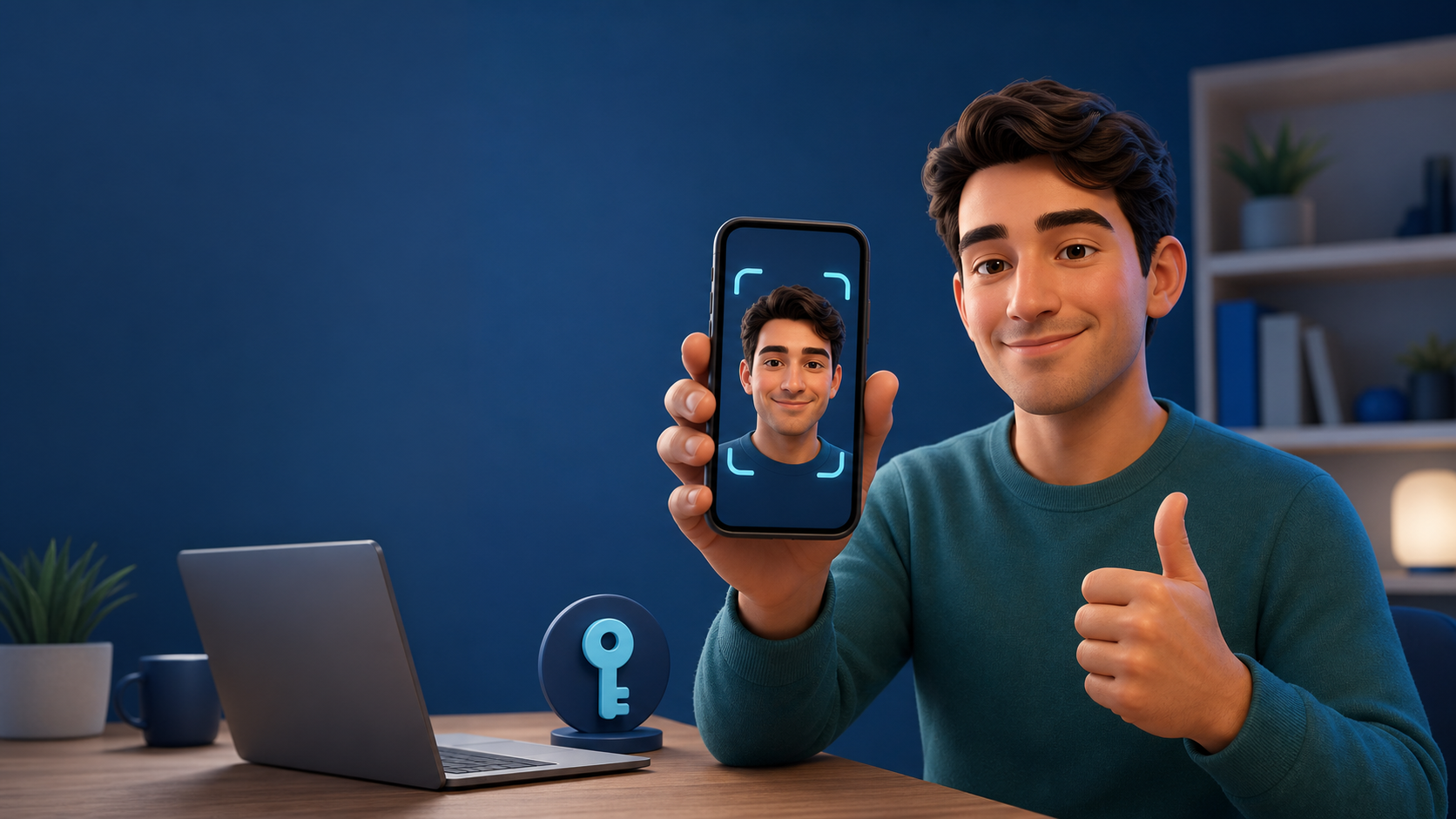
What Google's Selfie Video Is
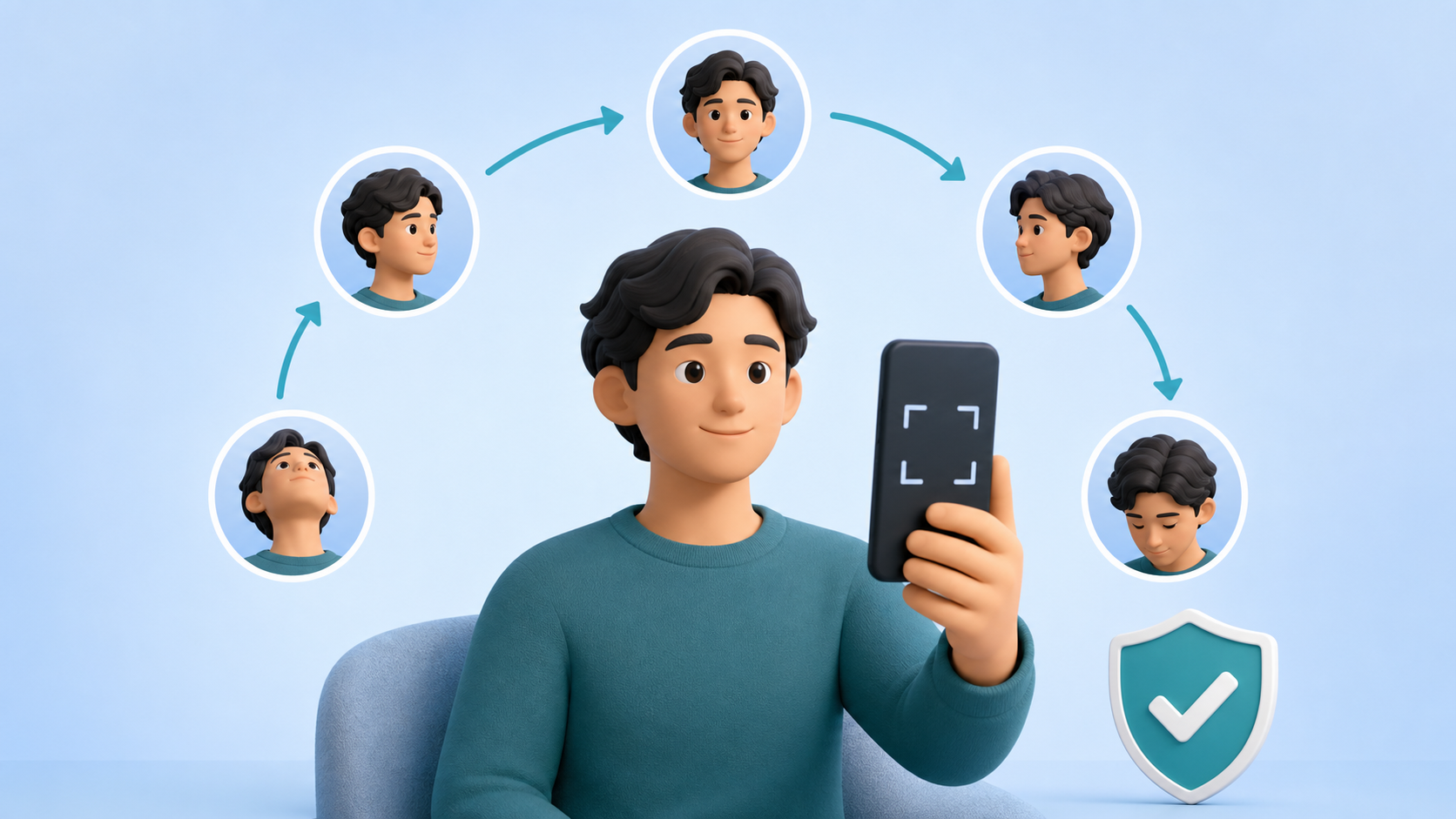
When you set up the feature, Google asks you to look into a camera and complete a few guided head movements. That captures a short video from multiple angles.
If you later cannot sign in, Google can ask for a new selfie video. It compares that new video with the one you saved and uses liveness checks, such as guided movements, to help determine that it is really you rather than a photo, recording, or deepfake attempt.
Google describes this as a backup way to get into an account when you do not have your usual phone or computer. It sits alongside existing recovery options such as:
- A recovery phone number
- A recovery email address
- Passkeys
- Trusted signed-in devices
- Recovery contacts, where available
- Backup codes for services that offer them
The important word is backup. A good account-recovery plan has more than one path.
Why This Matters When a Phone Is Lost
Modern account security often depends on a phone. It may hold your passkeys, receive sign-in prompts, store your authenticator app, or act as the device Google already recognizes.
That is convenient until the phone is lost, stolen, broken, or unavailable while you travel. If you have also forgotten your password or cannot reach your usual recovery number, recovery can become stressful quickly.
A previously enrolled selfie video gives Google one more signal to use in that situation. It may be especially useful when you need to sign in from a borrowed or replacement device.
How To Set It Up
You must be able to sign in to the account before you begin. Do not wait until you are already locked out.
- Visit g.co/signin-selfie or open your Google Account security settings.
- Check whether Selfie video is available for your account.
- Follow the camera instructions and complete the guided head movements.
- Review the information Google shows about storage and use.
- Keep your other recovery methods current after setup.
Set it up somewhere private with a working camera and good lighting. Do not use a shared computer if you can avoid it.
The Setup Procedure in Plain English
The setup is deliberately short:
- Sign in to the Google Account you want to protect.
- Open the selfie-video setup page and choose the option to add a selfie video if it appears.
- Allow camera access only for the setup flow, then follow the on-screen prompts to make the requested head movements.
- Finish the verification and return to your account security settings to confirm that the recovery option is listed.
- Review your recovery phone, recovery email, passkeys, and two-step verification at the same time.
You are not using the video for routine daily sign-in. You are enrolling a recovery backup that can help Google verify you if your usual sign-in route is unavailable later.
The Catch: You Cannot Add It During Recovery
This is the limitation most people should understand first: you cannot enroll a selfie video while you are locked out or already in the account-recovery process.
That makes this a preparedness feature, not an emergency shortcut. If you are currently unable to access your account, use Google's normal recovery flow and any recovery phone, email, trusted device, passkey, or other option you have already configured.
The same rule applies to other good recovery habits. Add them while things are calm, then test whether you know where they are.
Who Can Use It?
Google is rolling the feature out for eligible personal accounts. Not every account can add it immediately.
According to Google's account-help guidance, the feature is not currently available for:
- Google Workspace accounts
- Child accounts
- Google Accounts enrolled in Advanced Protection
Your account may also simply not be eligible yet. The fastest way to check is to visit the selfie-video setup page while signed in.
What About Privacy and Face Data?
This is a biometric-style recovery option, so it is sensible to be careful before enabling it.
Google says the selfie video is recorded with your consent, encrypted while stored, and used for sign-in support by default. Google also says you can delete the saved selfie video from your account at any time. It says the video is only used for additional purposes if you opt in.
Before turning it on, consider these practical questions:
- Are you comfortable storing a recovery selfie video with Google?
- Do you already have at least two non-biometric recovery methods?
- Is your recovery email still accessible without this Google Account?
- Is your recovery phone number current?
If your answer to the last two questions is no, fix those first.
Selfie Video Is Not a Replacement for Passkeys
Passkeys and selfie video solve different problems.
Passkeys help you sign in securely on a device you control, often using a device PIN, fingerprint, or face unlock. A selfie video is a fallback designed for recovery when the usual sign-in path is unavailable.
The safest setup is layered:
- Use a unique password stored in a reputable password manager.
- Add passkeys on the devices you use regularly.
- Keep recovery phone and email details current.
- Save recovery codes where relevant.
- Add selfie video only if you are comfortable with it and your account is eligible.
For a broader recovery plan, read our passkey setup guide and password manager migration checklist.
A Five-Minute Account-Recovery Checkup
Whether or not you enable selfie video, use this quick checklist today:
- Confirm you still know your Google Account password.
- Check that your recovery email is not the same inbox you are trying to recover.
- Remove old phone numbers and old devices.
- Make sure at least one secondary device can sign in.
- Turn on a passkey if it fits your device setup.
- Review your two-step verification options.
- Add selfie video if it is available and you are comfortable using it.
Do this before changing phones, travelling, or resetting a device. Recovery is much easier when you still have access to your account.
Final Takeaway
Google's selfie video is best understood as a spare key, not the front door. It can provide another way to verify your identity after a lost phone, forgotten password, or unfamiliar-device sign-in—but only if you enroll before the problem begins.
Set up more than one recovery method, keep them current, and do not rely on any single device. That is what turns a new security feature into a useful account-recovery plan.
Sources
Frequently Asked Questions
Can I set up Google's selfie video after I am locked out?
No. You need to add it while you can still sign in to your Google Account. It is designed as a backup method for a future recovery situation.
Does selfie video replace my Google password or passkey?
No. It is an additional account-recovery option. Google still recommends maintaining multiple sign-in and recovery methods, including a strong password, passkeys, recovery details, and trusted devices.
Are all Google Accounts eligible for selfie video?
No. Eligibility is rolling out and some account types, including Google Workspace, child, and Advanced Protection accounts, cannot currently add a selfie video. Check your Google Account to see whether it is available.